Curious if you can search social media by photo? Here’s what we found when testing the top tools available to people just like you.
What do you do when you have a photo of someone, but no username or other details? Maybe you came across someone in a group image you want to know more about, or you got a friend request from someone claiming to be from your old high school, but you don’t recognize them.
What you need is a social media finder by photo. A way to tell if you’re being scammed by a fake account without typing in a username, profile, or full name. We looked at four of the more popular options to see what works best so you can get the verification results you need.
What We Looked for in a Social Media Finder by Photo
For this comparison, the focus wasn’t so much on whether a tool could find an image. It was about whether that image led to verifiable profiles or additional details. That’s an important distinction.
Most traditional reverse image searches look for features or things in the photo that are visually similar. A facial search goes much deeper. It focuses on the face’s unique characteristics. That helps match the photo being used for the search with a shortlist of possibilities.
Overall ease of use is also important. We noted any tool that was too complex or not user-friendly.
Google Lens: A Good Free Starting Point
Google Lens is one of the more interesting tools available. It is free to use, making it a good first stop in your search. You upload an image. The tool searches websites and postings for similar visual features.
Lens is really helpful when you’re establishing context. For example, if an image you’re using is part of a larger image, Lens can typically find that original media. It helps you see whether that account profile claiming to be the love of your life is really the image of a person in a recent news story on Yahoo that over 180 million people might read.
Where Google Lens gets a little weak is when you want to identify specific people. As a visual search product, it can’t search social media profiles by face. You will likely get useful clues, but finding the actual person behind the image is rare.

Google Lens is a tool that allows you to find copies of an uploaded photo on web pages.
Face2social: Best for Finding Social Media Accounts by Face
Where you start to get really solid results for a social media finder by photo is with Face2social. Instead of relying on image-alt descriptions or background context, Face2social matches faces to faces.
The technology works much like facial recognition. The image is scanned for faces, then measures any outlier characteristics that can then be compared to various social media platforms like Instagram, TikTok, Facebook, and more.
You can also get information before being put into a payment situation. The full report is behind an affordable paywall, but you’ll see a preview of whether there were any matches to your primary photo. That could be enough to convince you to sign up and get started.
With Face2social, you get a better tool for searching social media by face image, finding out if someone is using your profile to trick others, and doing all of that through multiple social media platforms at once.
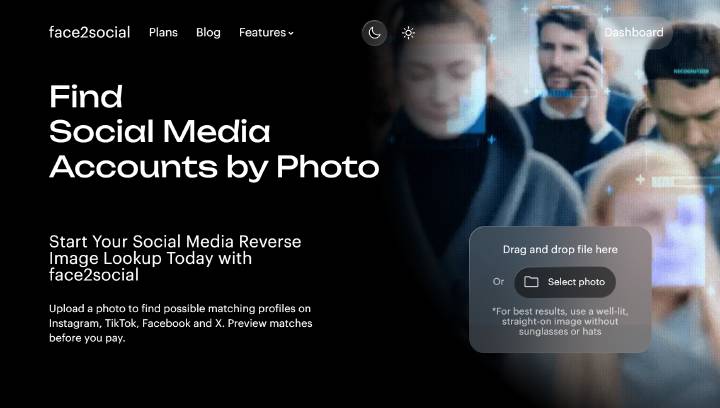
Face2social is a social media face-search tool that analyzes the facial features of a photo you upload. It searches for the best matches across social networks, even if different photos of the person were used.
TinEye: Better for Tracking the Image Itself
TinEye is different from Lens. It isn’t necessarily a social media finder by face tool, but more of a reverse image search engine. You use it to see whether another similar image exists with modified features or a different resolution.
It’s a good tool for checking what interests you. Say you have part of a magazine image, or if you’re checking to see if your website content is being used elsewhere. TinEye will find the occurrences of those items, even when slightly altered.
TinEye is not great at locating a specific Instagram profile. Traditional image matching is outside the realm of what this tool can do.
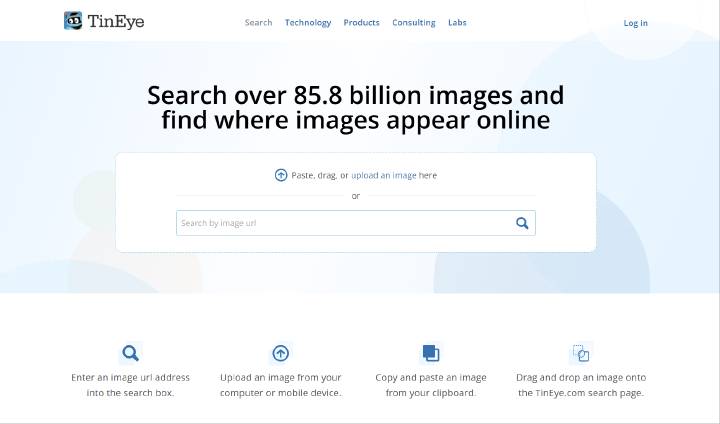
TinEye is a classic reverse image search tool that finds photos similar to the one you upload. It offers extensions for most browsers.
PimEyes: Powerful Face Search with a Major Social Limitation
PimEyes gets closer to the type of social media finder by photo you’re likely looking for. It will concentrate on specific faces, analyzing visually similar faces across open indexes on the web.
With PimEyes, you can identify people across some social media sites, blogs, company staff pages, and recent news articles. The problem is that while it searches social media, it only finds the bigger accounts Google also recognizes. If the person you’re trying to find keeps a low online presence, PimEyes won’t do the trick.
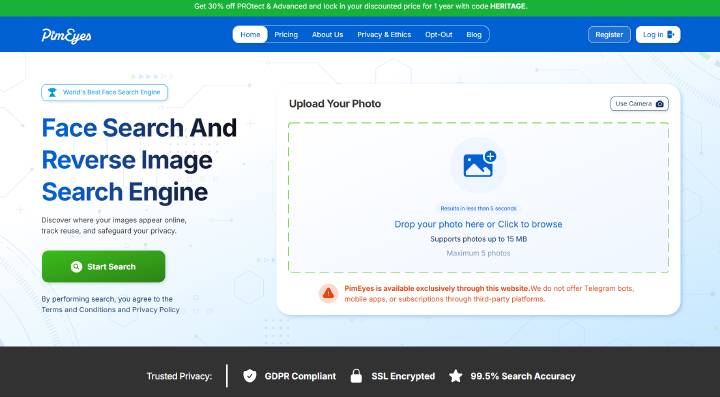
PimEyes is a face search tool that specializes in recognizing and searching based on facial features. Unlike Face2social, however, PimEyes focuses on web searches rather than social networks.
Which Photo Search Tool Should You Use?
Each tool has its good and bad. Face2social is the most powerful and accurate, but you may want to start with something else first to weed out the easy answers. Say there’s a new Facebook account for your boss. In that situation, start with Google Lens to see if the image is from a previous public post.
When you don’t get any results, it’s time to use a more powerful tool. Something like Face2social can then do the heavy lifting to check if that image is attached to any open social media accounts.
A blended approach is your best bet for finding out whether you’re in a romance scam or there really is an old flame trying to reconnect. If you want a focused approach to using a good social media finder by photo, it’s best to stick with Face2social.